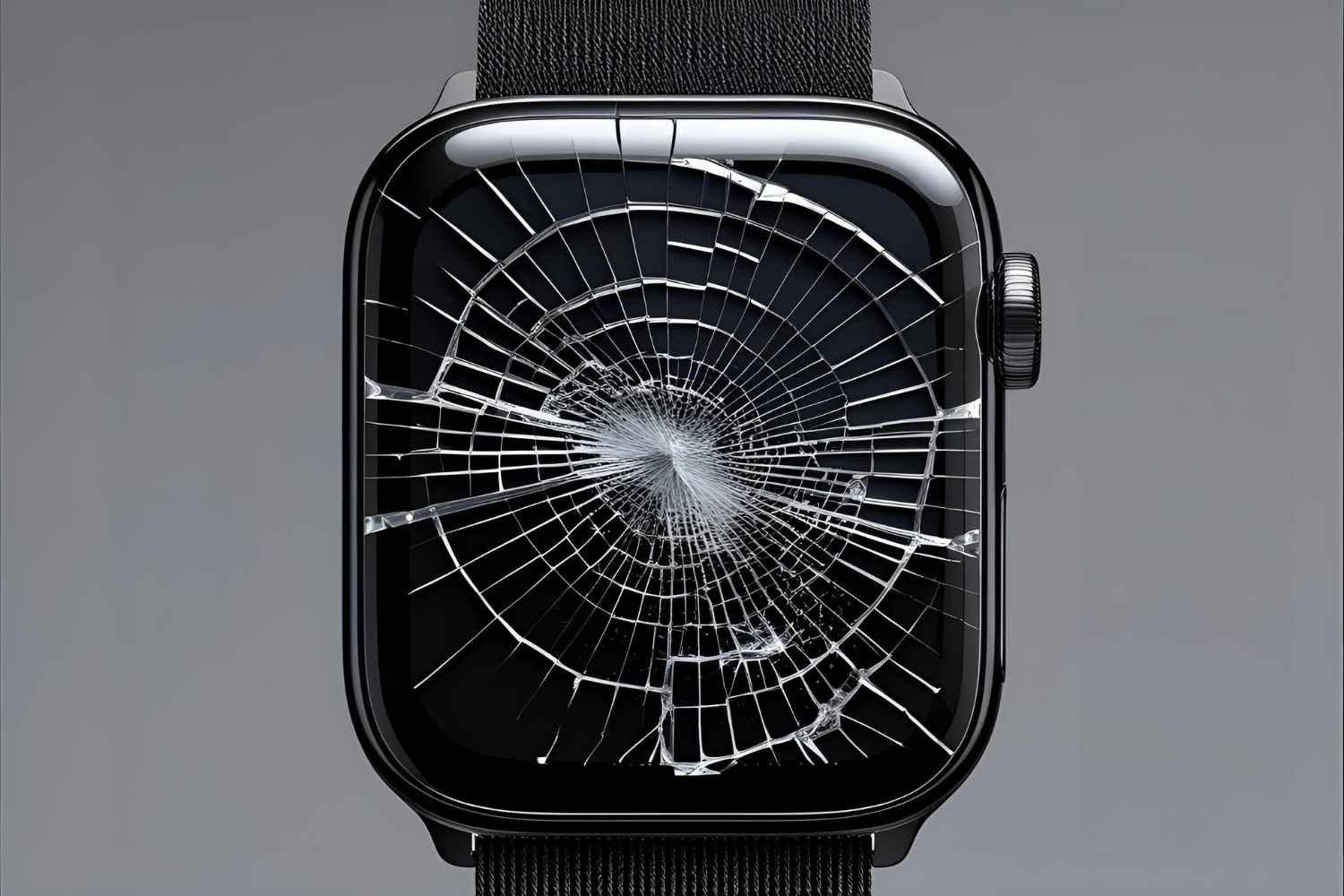
Smartwatch Screen Cracked? What Repair and Care Should You Know
Your smartwatch is more than a timepiece—it’s your health tracker, notification hub, and personal assistant on your wrist. But one slip from your hand, one hard knock against a wall, or even just daily wear and tear can turn that sleek display into a cracked smartwatch screen. Suddenly, your expensive investment looks broken, feels fragile, and may even stop working properly.
This is the nightmare many smartwatch owners face. Cracked screens don’t just ruin the look—they affect touch sensitivity, waterproofing, and long-term durability. The good news? You don’t always have to replace the entire watch or live with the damage. With the right smartwatch screen repair and care practices, you can bring your device back to life and protect it from future accidents. Let’s dive into what you should know.
Why Smartwatch Screens Crack More Often Than You Think
Smartwatches are designed to be sleek and lightweight, but that also means they’re fragile. Unlike your smartphone, which often has stronger cases, most smartwatches rely on slim bezels and glass screens that are always exposed.
Common causes of cracks:
- Accidental drops: Slips from your wrist while fastening straps or taking the watch off.
- Direct impacts: Banging the watch against walls, gym equipment, or desks.
- Extreme conditions: Exposure to heat, humidity, or cold can weaken the glass.
- Daily wear: Micro-scratches that weaken the surface over time.
Looking for Repairing Services in Mayfield or Newcastle?
Find trusted and efficient repairing services in Mayfield and Newcastle to meet all your needs!
Immediate Steps to Take When Your Smartwatch Screen Cracks
A cracked screen doesn’t always mean the end. The steps you take immediately can save you money and prevent further damage.
What to do first:
- Stop using it aggressively – Avoid tapping hard on the cracked display.
- Check functionality – Is the touch working? Is the screen still visible?
- Look for sharp edges – Cracks can cut your skin; use temporary tape if necessary.
- Protect from water – Cracks compromise water resistance, so keep it dry.
Smartwatch Screen Repair Options: DIY vs Professional Help
Many people wonder: Should I repair it myself or go to an expert? The answer depends on the severity of the damage and your skill level.
DIY Repair Kits
- Pros: Cheap, available online, can fix minor cracks.
- Cons: Risky, requires precision tools, may void warranty.
Professional Repair Services
- Pros: Expert handling, original parts, warranty support.
- Cons: Higher cost, sometimes longer waiting period.
Rule of Thumb:
- Hairline scratches? Use a DIY polish or protector.
- Deep cracks or broken touch? Choose a professional smartwatch screen replacement.
Types of Repairs and Replacements Available
Not all cracks are the same—and neither are the repairs.
Repair Types:
- Screen Protector Fixes – Works only for superficial scratches.
- Glass-Only Replacement – If the glass is cracked but the display works.
- Full Display Replacement – Required when the screen is blacked out or touch doesn’t respond.
Comparison Table
| Damage Type | Best Fix | Cost Range | Risk Factor |
| Minor scratches | Screen protector | Low | None |
| Cracked glass | Glass replacement | Medium | Low |
| Broken display | Full screen replacement | Higher | Medium |
How to Choose a Reliable Smartwatch Screen Repair Service
Not all repair shops are created equal. Choosing the wrong one can mean poor parts, no warranty, or repeated issues.
Checklist for Choosing a Repair Service:
- Do they use genuine parts?
- Do they offer a warranty on repairs?
- Do they specialize in wearables, not just phones?
- Are customer reviews positive?
Smartwatch Care Tips to Prevent Future Cracks
Preventing a cracked screen is always cheaper than repairing one.
Protection Habits:
- Install a tempered glass protector.
- Use shockproof straps during workouts.
- Keep away from extreme temperatures.
- Store in a safe place when not wearing.
Smartwatch Care Checklist
- Clean with a microfiber cloth weekly
- Remove before heavy sports if unprotected
- Check strap’s tightness to avoid slips
- Regularly inspect for scratches
Smartwatch Care Beyond the Screen: Keep It Working Longer
A smartwatch is more than a screen—its battery, sensors, and software need equal attention.
- Battery Care – Avoid overnight charging; use original chargers.
- Water Resistance – Don’t test limits; even “waterproof” watches weaken over time.
- Software Updates – Regular updates improve security and performance.
- Storage Management – Clear unused apps and data for smooth performance.
When It’s Time to Replace, Not Repair
Sometimes, replacing your smartwatch is smarter than repairing it.
Signs It’s Time to Replace:
- Multiple cracks across the display.
- The battery drains unusually fast.
- Touchscreen is unresponsive even after repair.
- The cost of repair exceeds half the price of a new smartwatch.
Conclusion
A cracked smartwatch screen might feel like a disaster, but it doesn’t have to be. By understanding your repair options, choosing a reliable service, and adopting smart care habits, you can save money and extend the life of your wearable. Whether you choose glass replacement, professional repair, or an upgrade, the key is to act fast and protect your investment.
Your smartwatch is a daily companion—treat it well, and it will serve you for years without adding stress to your lifestyle.
Looking for Repairing Services in Mayfield or Newcastle?
Find trusted and efficient repairing services in Mayfield and Newcastle to meet all your needs!
FAQs
Can a smartwatch screen be replaced?
Yes, most smartwatch screens can be replaced, either with a glass-only repair or a full display replacement.
How long does smartwatch screen repair take?
On average, 1–3 days, depending on parts availability and service quality.
Is it worth repairing a cracked smartwatch screen?
If the watch is relatively new and the repair cost is reasonable, yes. Otherwise, consider replacement.
Can I use my smartwatch with a cracked screen?
You can, but it risks further damage, possible cuts, and water leakage—so it’s not recommended.
How do I protect my smartwatch from damage in the future?
Use screen protectors, shockproof straps, and avoid exposing it to unnecessary risks.