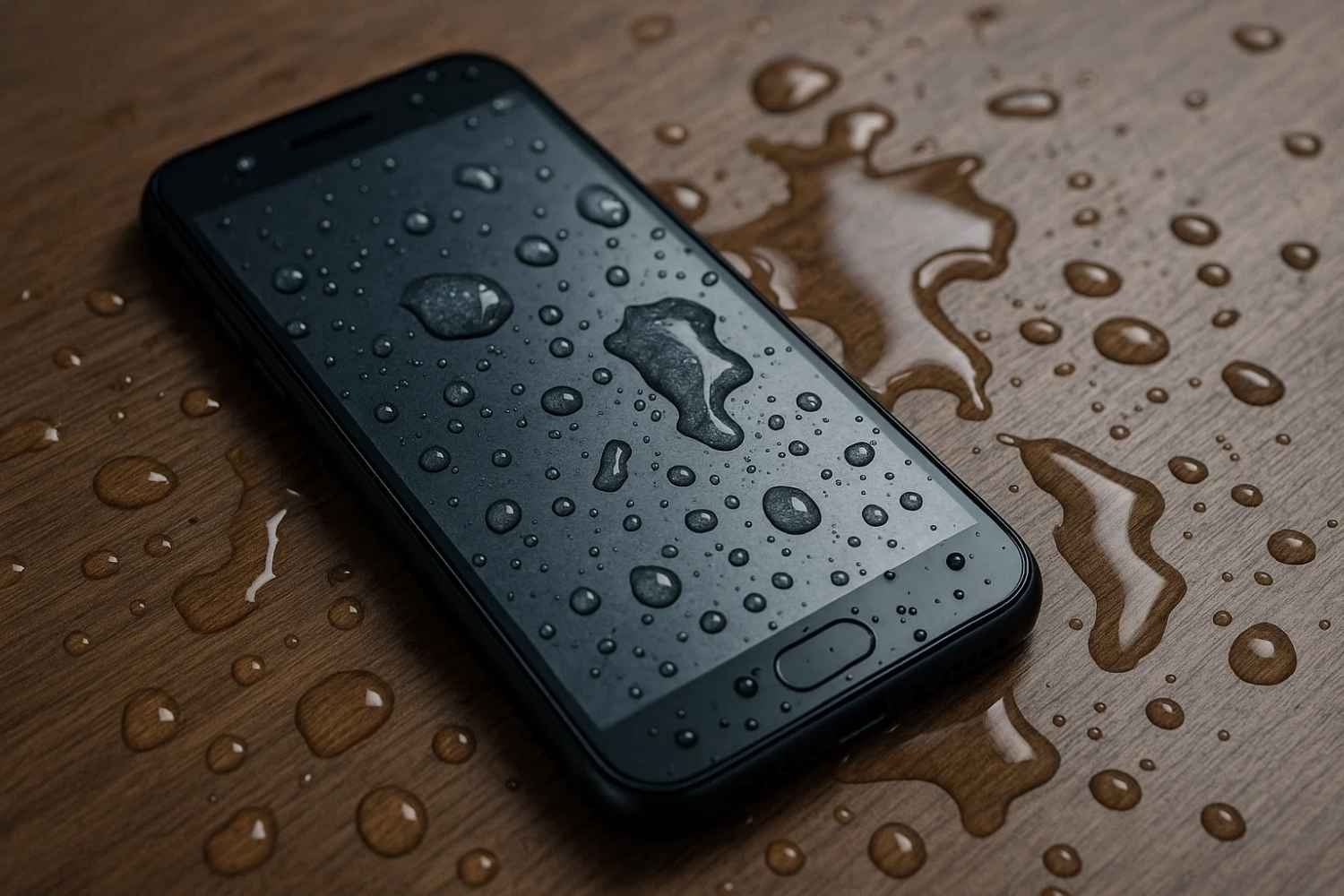
Water Damage on Your Phone? Here’s Your Recovery Plan
You just dropped your phone in water. Panic sets in. Whether it was the kitchen sink, toilet, or a sudden rainstorm, water damage is one of the fastest ways to ruin a phone. Screens flicker, buttons stop working, and worst of all—your phone won’t turn on. Most people either do nothing or throw it into a bowl of rice, hoping for a miracle.
Here’s the truth: rice won’t save your phone, but a smart recovery plan might. In this guide, you’ll learn what works to fix water damage, what to avoid, and when it’s time to visit a repair shop. If you act fast—and correctly—you may be able to recover both your phone and your precious data.
First Response Matters: What to Do Immediately After Water Damage
The moments right after your phone is exposed to water are crucial. What you do (or don’t do) can determine if your device will work again or if it’s headed for a costly replacement. Many users panic and take actions that worsen the situation. Here’s the right way to respond step by step.
Step 1: Power Off Immediately
If your phone is still powered on after exposure to water, turn it off straight away. Electricity and water are a dangerous mix, and keeping the phone on increases the risk of a short circuit that could damage the motherboard. Even if the screen looks fine, internal components might already be compromised, so don’t delay — shut it down.
Step 2: Remove All Accessories and External Parts
Remove the phone case, unplug the headphones or charging cables, and remove the SIM card and memory card. For phones with removable batteries, remove the battery. Water can get trapped under covers or inside small compartments. The quicker you expose these areas, the better your chances of limiting corrosion or long-term internal damage.
Step 3: Gently Wipe and Tilt
Use a soft, lint-free microfiber cloth to gently pat the exterior of the phone dry. Avoid rubbing hard, which can push water further into the device. Tilt the phone in different directions to encourage any remaining liquid to drain out from openings like the charging port or speaker grill.
Step 4: Don’t Fall for the Rice Trick
While the “phone in a rice bag” method is popular, it’s not very effective. Rice may absorb some moisture, but it doesn’t pull water out of internal components fast enough — and rice dust can clog your ports or speakers. A better option is to use materials specifically designed to draw out moisture, which we’ll cover in the next section.
Looking for Repairing Services in Mayfield or Newcastle?
Find trusted and efficient repairing services in Mayfield and Newcastle to meet all your needs!
Drying the Phone the Right Way
After handling the immediate situation, your next priority is removing all the moisture that’s seeped into the phone’s interior. Drying a water-damaged phone isn’t just about wiping the surface. Moisture can remain hidden in layers of circuits and under chips, so patience and the right materials matter.
Use Silica Gel or Dedicated Desiccants
Forget rice — the more effective solution is silica gel packets. These are commonly found in shoe boxes, new bags, or electronic packaging. They’re designed to absorb moisture quickly and thoroughly. Place your phone in a sealed, airtight container or a zip-lock bag filled with at least 6–10 silica packets. Leave it there untouched for a minimum of 48 hours.
If silica packets aren’t available, opt for other desiccant products like moisture-absorbing crystals from hardware stores. Make sure the environment remains dry and dust-free.
Wait Before Turning It On — Even If It Looks Fine
Even if your phone looks dry on the outside, internal components could still be damp. Moisture under chips or behind the screen can’t be seen with the naked eye. Turning it on prematurely can fry the circuits or cause permanent damage. For best results, wait at least 48 to 72 hours before trying to restart it.
If you’re unsure, take it to a repair center that offers professional moisture removal services using tools like vacuum drying chambers.
“How long should I wait before turning on my phone after water damage?”
For most water damage cases, the safest waiting period is 48 to 72 hours. This allows enough time for moisture to fully evaporate. Trying to power on a phone too soon can result in short circuits, speaker failure, or screen issues — even if everything looks normal from the outside.
Quick Checklist: Drying Tools You’ll Need
- Airtight container – A sealed plastic box or zip-lock bag
- 6–10 silica gel packets – To absorb moisture effectively
- Microfiber cloth – For external drying
- Cotton swabs – For gentle port cleaning (only once the phone is dry)
- Timer or note – To remind you not to power on for 48 hours
What You Should Never Do After Water Damage (Common Mistakes)
Even if your first instinct is to act fast, some actions can cause more harm than good. Here’s what to avoid when your phone takes a swim:
Plugging It In Right Away
One of the most damaging mistakes is charging your phone too soon. Even a small trace of moisture on the board or near the battery connection can result in a short circuit. Wait until the phone is 100% dry — inside and out — before even thinking about plugging it in.
Applying Heat (Hair Dryers, Ovens, or Sunlight)
While it may seem like a quick fix, applying direct heat can warp your phone’s screen, melt internal adhesives, or damage delicate chips. Ovens and hair dryers are far too intense. Direct sunlight can overheat lithium batteries and create new problems.
Shaking or Blowing into Ports
Shaking the phone or blowing air into it — especially with compressed air — might seem helpful, but it often forces water deeper into the internals, reaching areas that are harder to dry out. Moisture could travel to your camera, mic, or logic board, making repair more complicated.
Using Unreliable DIY Methods
The internet is full of water-damage hacks like using rice, salt, or putting your phone under a fan. Most of these don’t remove moisture from the phone’s internals. Some can even make it worse by introducing dust, corrosion, or blocking vent holes.
When to Seek Professional Repair Services
Sometimes, no matter how fast or careful you are, water damage may go deeper than you can handle at home. Knowing when to seek help can save you from further losses.
Signs Your Phone Needs Expert Help
- The screen starts flickering or ghost-touching after drying
- Charging issues, such as not holding power or port malfunctions
- Distorted audio from the speaker or mic
- Camera fog or lens condensation
- Phone feels unusually hot or won’t turn on after the drying period
If you spot any of these symptoms, don’t keep trying DIY fixes — you might make it worse. Get it looked at by a professional phone technician equipped with tools like moisture meters, ultrasonic cleaners, and vacuum drying systems.
Case Insight: What a Repair Center Does
When you hand over your water-damaged phone to a repair center, here’s what they typically check:
- Internal corrosion using visual inspection and cleaning tools
- Battery integrity — water can degrade it over time
- Function tests — charging, display, buttons, and more
- Microchip and motherboard status under a microscope
In many cases, a technician can save the phone even if it doesn’t respond at all — provided you didn’t power it on too soon or apply heat.
How to Prevent Water Damage in the Future
Once you’ve been through water damage once, you’ll likely want to avoid it ever happening again. Here are smart habits and tools to protect your phone going forward.
Invest in a Waterproof Case
Water-resistant phones are not waterproof. If you’re heading to the beach, pool, or anywhere humid, get a high-quality waterproof case or pouch that meets IP68 or higher protection standards.
Keep Your Phone Away from High-Risk Areas
Avoid placing your phone near sinks, bathtubs, or in the bathroom while showering. Even steam can cause condensation inside the device over time. Also, avoid using your phone in the rain — even brief exposure to droplets can damage internal components, especially in older devices.
Use Dust Plugs for Ports
Charging ports and headphone jacks are common entry points for moisture. Simple silicone dust plugs can block water, lint, and humidity from slipping in unnoticed.
Key Takeaway: Don’t Panic — Be Smart About Water Damage
Water damage doesn’t have to mean the end of your phone. What matters is how quickly and correctly you respond. Avoid instinctive mistakes like charging your phone or drying it with heat. Stick to proven steps — powering it down, drying it properly, and monitoring for delayed symptoms. And when in doubt, consult a professional repair service that knows how to diagnose internal issues. With the right actions and a bit of patience, you can often save your device — and your data — without spending on a new phone.
Looking for Repairing Services in Mayfield or Newcastle?
Find trusted and efficient repairing services in Mayfield and Newcastle to meet all your needs!
FAQs
Can I still use my phone if it seems fine after falling in water?
Not immediately. Even if your phone appears to work, hidden moisture inside can cause corrosion or short circuits over time. It’s best to power it off, dry it thoroughly for at least 48–72 hours, and monitor it before using it again. If you notice screen glitches, charging issues, or audio problems later, get it checked by a technician.
What’s the safest way to dry out a wet phone at home?
First, turn it off and remove the SIM card. Wipe off external moisture with a lint-free cloth. Then place the phone in an airtight container with silica gel packets or a moisture-absorbing agent. Avoid heat sources like ovens or hair dryers. Keep it in the container for 2–3 days before testing it.
Is the rice method effective for drying a wet phone?
Not really. Rice absorbs moisture slowly and may leave behind dust or starch. It doesn’t reach deep inside the device where water causes damage. A better method is to use silica gel packs or visit a professional service that uses vacuum drying or ultrasonic cleaning tools.
Can water damage be covered by warranty or insurance?
Standard warranties usually don’t cover water damage unless the phone is marketed as fully waterproof (not just water-resistant). However, if you have phone insurance or accidental damage coverage, you may be eligible for repair or replacement. Check with your provider — and act fast, as delays can complicate claims.