iPhone Camera Problems: Complete Solutions & Expert Repairs at Mayfield Phone Repair
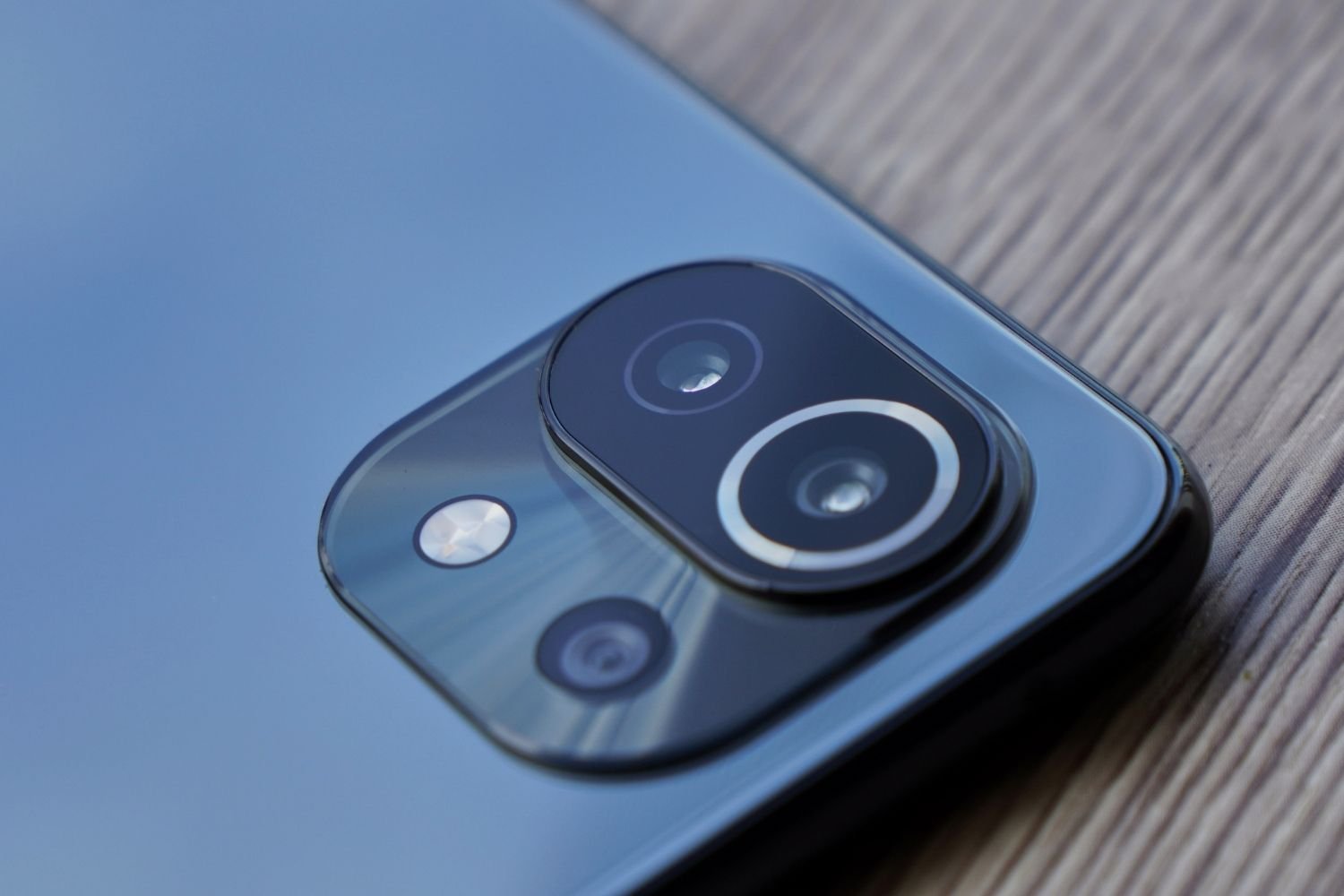
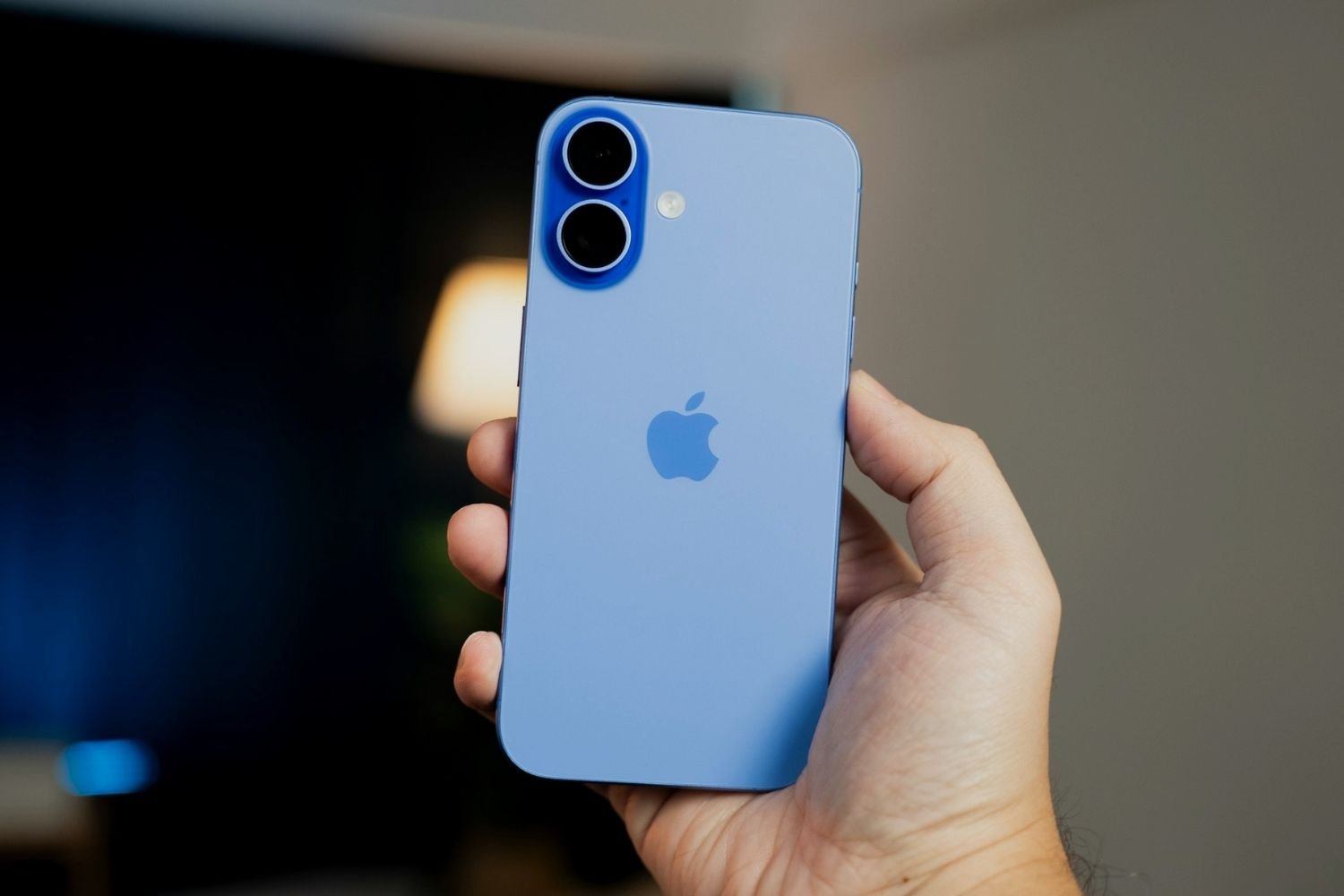
Your iPhone camera is a technological marvel, capable of capturing stunning memories with professional-quality results. Whether you’re shooting portraits, landscapes, or videos, the advanced camera system in your iPhone—complete with optical image stabilization (OIS), multiple lenses, and computational photography—delivers exceptional performance. However, even the most sophisticated technology can encounter problems.
For expert Smartphone Camera Repair, visit our professionals today.
From blurry photos and camera shake to black screens and complete camera failure, iPhone camera issues can be frustrating and disruptive. This comprehensive guide explores the most common iPhone camera problems, their causes, DIY troubleshooting steps, and when to seek professional smartphone camera repair services in Newcastle.
If you’re experiencing issues, seeking Smartphone Camera Repair is essential for resolution.
If you’re facing issues with your phone’s camera, it might be time to consider Smartphone Camera Repair services.
Smartphone Camera Repair specialists can help restore your device’s functionality.
At Mayfield Phone Repair, our certified technicians specialize in diagnosing and providing Smartphone Camera Repair for all types of iPhone camera problems quickly and affordably. Let’s dive into everything you need to know about iPhone camera issues and solutions.
We are dedicated to providing the highest quality Smartphone Camera Repair services in the area.
We offer the best Smartphone Camera Repair services in Newcastle.
Table of Contents
- Understanding Optical Image Stabilization (OIS)
- Common iPhone Camera Problems
- How Vibration Damages iPhone Cameras
- DIY Troubleshooting Solutions
- When to Seek Professional Repair
- Preventing iPhone Camera Damage
- Why Choose Mayfield Phone Repair
What is Optical Image Stabilization (OIS)?
Optical Image Stabilization (OIS) is a technology used in iPhone cameras to counteract the effects of camera shake or movement. With OIS, a gyroscope senses that the camera moved, and to reduce image motion and the resulting blur, the lens moves according to the angle of the gyroscope.
How OIS Works
Your iPhone’s OIS system uses tiny gyroscopes and accelerometers to detect camera motion. When movement is detected, the camera lens physically adjusts its position to compensate, allowing for sharper images even in challenging conditions. Additionally, some iPhone models have closed-loop autofocus (AF), which resists the effects of gravity and vibration to preserve sharp focus in stills, videos, and panoramas.
OIS Benefits
- Sharper low-light photos: OIS enables slower shutter speeds without blur
- Stable video recording: Smoother footage when walking or moving
- Better telephoto performance: Clearer zoomed shots
- Improved night mode: Longer exposures with reduced shake
Which iPhones Have OIS?
OIS is available on iPhone 6 Plus, iPhone 6s Plus, and iPhone 7 and later including iPhone SE (2nd generation and 3rd generation). However, note that the Ultra Wide camera on iPhone 11 and later doesn’t have OIS, and neither does the Telephoto camera on iPhone 7 Plus and iPhone 8 Plus.
While OIS is incredibly useful, its delicate components can make your camera more susceptible to certain types of damage, particularly from vibrations—which often requires professional smartphone camera repair.
Don’t hesitate to reach out for Smartphone Camera Repair when you notice any issues.
Don’t hesitate to contact us for Smartphone Camera Repair to get your camera functioning again.
Looking for Repairing Services in Mayfield or Newcastle?
Find trusted and efficient repairing services in Mayfield and Newcastle to meet all your needs!
Common iPhone Camera Problems
Smartphone Camera Repair can resolve many common issues effectively.
Smartphone Camera Repair is crucial for restoring your phone’s capabilities.
iPhone users report various camera issues, especially after iOS updates or physical impacts. Understanding these problems helps identify whether you need DIY fixes or professional repair services.
If these issues arise, remember that Smartphone Camera Repair may be necessary.
For optimal performance, consider professional Smartphone Camera Repair.
1. Camera Black Screen
Symptoms: Camera app opens but displays a completely black screen on front camera, rear camera, or both.
Common Causes:
- The lens or flash is blocked or dirty
- Software glitch freezing the Camera app
- App permissions not granted
- Hardware damage from drops or water exposure
Quick Fix: Clean the front and back camera lenses with a microfiber cloth, then restart your iPhone and test the camera again by taking a photo.
2. Camera Shaking or Vibrating
Symptoms: Viewfinder shows constant shaking, jittering, or vibrating even when phone is stationary. Often accompanied by clicking or buzzing sounds.
Common Causes:
- Drops, impacts, or internal board damage affecting the camera IC chip can permanently disrupt stabilization
- OIS system malfunction
- Magnetic interference from cases or mounts
- Long-term direct exposure to high-amplitude vibrations within certain frequency ranges (like motorcycle engines)
Diagnostic Test: Launch the Camera app and place your ear directly against the rear camera module while the screen is shaking—if the camera shakes but is silent, it’s likely a software or configuration issue; if you hear buzzing or clicking, the physical OIS mechanism is broken.
3. Blurry or Out-of-Focus Photos
Symptoms: Photos appear consistently blurry, camera won’t focus on subjects, or autofocus doesn’t work properly.
Common Causes:
- Dirty or smudged lens from fingerprints, dust, and debris
- Damaged OIS components
- Software bugs affecting autofocus
- The tiny components inside the camera could get stuck or damaged because of debris, lint, or heat damage
Quick Fix: Clean the lens with a microfiber cloth, tap the screen to focus manually, and test autofocus on different objects.
4. Camera App Crashing
Symptoms: Camera app closes unexpectedly, won’t open, or freezes when launching.
For persistent issues, consider Smartphone Camera Repair to get your device back in working order.
Common Causes:
- Conflicts between the camera app and other applications on the iPhone, or software bugs with iOS
- Full storage preventing photo saves
- Outdated iOS version
- Corrupted camera settings
Quick Fix: Force close the Camera app, restart your iPhone to clear temporary glitches, and update to the latest iOS version.
5. Flash Not Working
Symptoms: Camera flash doesn’t activate, works intermittently, or stays on constantly.
Common Causes:
- Hardware problem with the flash module itself, or software glitches with the camera app or operating system
- Flash blocked by case or debris
- Overheating protection activated
- Incorrect flash settings
Quick Fix: Test the flashlight in Control Center—if it works, the issue is software-related; if not, hardware repair may be needed.
6. Camera Only Works in Certain Modes
Symptoms: Front camera works but rear doesn’t (or vice versa), specific zoom levels fail, or video recording crashes while photos work fine.
Common Causes:
- Camera app crashes or shows a blank screen after switching to ultra-wide (0.5x) or telephoto mode (2x, 3x, 5x), or video recording only works with a particular quality setting like 1080 HD but crashes when switching to 4K
- Individual camera module failure
- Insufficient storage for 4K video
- Specific lens or sensor damage
Quick Fix: Check iPhone Storage under Settings > General—you may need to free up storage by deleting huge video files and offline downloads.
How Vibration Damages iPhone Cameras
While OIS can be a lifesaver for photography, it also makes your camera vulnerable to vibration damage. The components that make up the OIS system—including tiny gyroscopes, magnetic sensors, and the floating lens mechanism—are delicate and can be easily damaged by strong vibrations or impacts.
Sources of Harmful Vibration
Apple published a note warning users that their phones’ OIS system can get damaged from high-amplitude vibrations, such as those coming from high-powered motorcycle engines.
Common vibration sources that damage iPhone cameras include:
- Motorcycle handlebars and engine vibrations: The most common cause of OIS failure
- Bicycle handlebars on rough terrain: Prolonged exposure to bumps and vibrations
- Car dashboard mounts on vehicles with strong engine vibrations
- Loud concerts or speakers: Bass vibrations transmitted through surfaces
- Industrial machinery and tools: Vibrating equipment in work environments
- Excessive phone dropping: Repeated impacts even from short distances
How Vibration Damages OIS
Apple’s Optical Image Stabilization system is comprised of a floating camera sensor between 4 magnets inside the lens housing, which is great for handheld iPhone video but was not designed to compensate for high frequency movements or vibrations.
When exposed to harmful vibrations:
- Magnetic sensors become misaligned or dislodged
- Gyroscopes malfunction from excessive movement
- Lens mechanisms jam or lose calibration
- Internal connections loosen from constant shaking
- Camera module separates from logic board connections
In severe cases, the OIS system may become completely inoperable, requiring costly repair or replacement of the entire camera module—which is why timely smartphone camera repair can save you from more extensive damage and expenses.
DIY Troubleshooting Solutions
Before seeking professional repair, try these troubleshooting steps to resolve common iPhone camera problems:
Step 1: Clean the Camera Lens
If the photo is blurry, clean the front and back camera lenses with a microfiber cloth. Fingerprints, dust, and smudges are the most common causes of blurry photos.
How to clean properly:
- Use a soft, lint-free microfiber cloth
- Gently wipe in circular motions
- Never use liquid cleaners or spray directly on the lens
- Remove phone case before cleaning
Step 2: Restart Your iPhone
Restart your iPhone, iPad, or iPod touch, then update to the latest version of iOS and test the camera again by taking a photo.
How to restart:
- iPhone X and later: Press and hold Volume Down + Side button
- iPhone 8 or earlier: Press and hold Top (or Side) button
- Slide to power off, wait 30 seconds, then turn back on
Step 3: Update iOS
Old software can mess with your camera’s performance—go to Settings > General > Software Update and if there’s an update waiting, download it.
Software updates often include camera bug fixes and performance improvements, particularly after major iOS releases.
Step 4: Check Storage Space
When your iPhone’s storage is full, the camera can throw a tantrum—go to Settings > General > iPhone Storage and see if you’re maxed out.
Free up space by:
- Deleting old photos and videos
- Offloading unused apps
- Clearing Safari cache
- Uploading media to iCloud or computer
Step 5: Remove Case and Accessories
Some phone cases, especially those with magnetic accessories, can interfere with your iPhone camera’s optical image stabilization (OIS) and AutoFocus.
Remove your case, screen protector, and any magnetic mounts, then test the camera again.
Step 6: Reset Camera Settings
Reset camera settings via Settings → Camera → Reset Settings to restore defaults without erasing data.
This can resolve configuration conflicts without affecting your photos or other data.
Step 7: Reset All Settings
If camera issues persist, go to Settings > General > Transfer or Reset iPhone > Reset, then choose Reset All Settings. This restores system defaults while preserving your photos, apps, and personal data.
Note: You’ll need to re-enter Wi-Fi passwords and reconfigure preferences after this reset.
Step 8: Test in Different Apps
If your device has a front and rear camera, check if one or both aren’t working by switching cameras and testing the flashlight in Control Center.
Also test the camera in third-party apps like FaceTime, WhatsApp, or Instagram to determine if the issue is app-specific or system-wide.
When Professional Repair Is Needed
While many iPhone camera problems can be resolved with DIY troubleshooting, certain issues require professional expertise. The tiny components inside the camera could get stuck or damaged because of debris, lint, or heat damage, and physical damage might lead to failures that appear to be caused by software issues.
If you’re experiencing persistent issues, Smartphone Camera Repair is necessary.
Professional Smartphone Camera Repair can address complex issues effectively.
Signs You Need Professional Camera Repair
1. Persistent Hardware Symptoms
If the camera shakes and you hear buzzing or clicking sounds, the physical mechanism is broken—no amount of software updates or reset tools can physically repair a snapped spring or magnet.
2. Water Damage Indicators
For water damage, immediate Smartphone Camera Repair could save your device.
Water exposure often corrodes delicate OIS sensors, making the lens vibrate nonstop. If your phone has been exposed to water and the camera malfunctions, professional repair is essential.
3. Physical Impact or Drops
If your screen’s cracked or the camera lens looks scratched, it could be a physical problem like a loose connection inside. Dropped phones often suffer internal camera module damage not visible externally.
4. Vibration-Induced Damage
If you’ve mounted your iPhone on a motorcycle, bicycle, or exposed it to prolonged vibrations, the OIS system likely needs replacement. This is a common issue that requires specialized repair.
If you suspect damage from vibrations, seeking Smartphone Camera Repair is advisable.
When in doubt, seeking Smartphone Camera Repair will ensure your device is checked by professionals.
5. Software Fixes Don’t Work
If all troubleshooting tips fail, one of the camera lenses, sensors, or modules may be damaged or have a hardware defect. Professional diagnostics can identify the exact component failure.
What to Expect During Professional Repair
When you bring your iPhone to Mayfield Phone Repair for camera repair, our certified technicians will:
- Perform comprehensive diagnostics using professional testing equipment
- Identify the root cause—software, OIS failure, lens damage, or connection issues
- Provide upfront pricing with no hidden fees
- Complete repairs quickly—most camera repairs done same-day
- Test all camera functions before returning your device
- Offer lifetime guarantees on all camera module replacements
Protecting Your iPhone Camera
Prevention is always better than repair. Follow these strategies to minimize the risk of camera damage and avoid costly smartphone camera repair:
1. Avoid Harmful Mounting Locations
Never mount your iPhone:
- Directly on motorcycle or bicycle handlebars
- In direct contact with high-vibration surfaces
- Near speakers at concerts or loud events
Use a chest or helmet mount which can help to absorb some vibrations, or remove magnetic cases or mounts to rule out interference.
Better alternatives:
- Store phone in jacket pocket with GPS audio guidance
- Use dedicated motorcycle GPS units
- Employ vibration dampeners if mounting is necessary
- Choose handlebar bags with cushioning
2. Use Protective Cases with Shock Absorption
Quality protective cases can minimize the impact of accidental drops or bumps on your camera system. Look for cases with:
- Raised bezels around camera lenses
- Shock-absorbing materials (TPU or silicone)
- Corner reinforcement
- MIL-STD-810G drop protection certification
Avoid: Cases with strong magnets near camera area, as they can interfere with OIS.
3. Store Your Phone Safely
When not in use, store your phone in a safe and cushioned place to minimize exposure to vibrations and potential damage. Keep it away from:
- Loose items in car cup holders on rough roads
- Tool boxes with vibrating equipment
- Areas near industrial machinery
- Surfaces exposed to bass speakers
4. Regular Lens Cleaning
Clean the lens regularly with a microfiber cloth to prevent dust buildup that can affect AutoFocus and sensitive image sensors.
Establish a weekly cleaning routine:
- Wipe lenses with microfiber cloth
- Remove debris from lens housing
- Check for cracks or scratches
- Ensure camera bump isn’t damaged
5. Keep iOS Updated
Always keep your phone updated, since Apple releases patches for camera bugs. Enable automatic updates or check regularly for the latest iOS version.
6. Avoid Extreme Temperatures
Lack of memory and thermal pressure can lead to permanent camera damage. Protect your iPhone from:
- Direct sunlight for extended periods
- Extremely cold environments
- Sudden temperature changes
- Hot car interiors
7. Handle with Care
Simple precautions go a long way:
- Use two hands when photographing
- Avoid pressing hard on camera area
- Don’t place heavy objects on phone
- Be mindful when setting phone down
Why Choose Mayfield Phone Repair for Camera Issues
When DIY troubleshooting fails and professional repair is necessary, choosing the right repair shop makes all the difference. Here’s why Newcastle customers trust Mayfield Phone Repair for their iPhone camera problems:
Specialized Camera Repair Expertise
Our certified technicians have extensive experience with all types of iPhone camera issues:
- OIS system failures from vibration damage
- Lens replacements for cracked or scratched glass
- Camera module replacements for complete failure
- Water damage restoration affecting camera components
- Focus mechanism repairs for autofocus problems
- Flash module replacements for non-working flash
Fast, Same-Day Service
We understand how essential your iPhone camera is for daily life. That’s why we offer:
- Same-day repairs for most camera issues
- While-you-wait service for simple fixes
- Express diagnostics to identify problems quickly
- Priority service for urgent situations
Need emergency repair? Our sister company Superior Phone Fix Service offers after-hours camera repair throughout Newcastle and the Hunter Region.
Quality Parts with Lifetime Guarantees
Every camera repair at Mayfield Phone Repair includes:
- High-quality replacement parts meeting or exceeding OEM specifications
- Thorough testing of all camera functions before return
- Lifetime warranty on camera module replacements
- Data protection throughout the repair process
Affordable, Transparent Pricing
Unlike Apple Store repairs that can cost $500-$800, we offer:
- Competitive pricing for all camera repairs
- Free diagnostics to identify the problem
- Upfront quotes with no hidden fees
- Price matching on comparable services
Comprehensive Device Services
While you’re here for camera repair, we can also address other issues:
- Screen repair for cracked displays
- Battery replacement for poor battery life
- Water damage repair for liquid exposure
- Charging port repair for connection problems
- Back glass repair for shattered rear panels
Trusted Local Service
As a Newcastle-based business, we’re committed to our community:
- Multiple convenient locations throughout the Hunter Region
- Mobile repair service available—we come to you
- Local technicians who understand customer service
- Community reputation built on quality and reliability
Real Customer Camera Repair Stories
Case Study 1: Motorcycle Vibration Damage
Problem: Customer’s iPhone 12 Pro camera developed severe shaking and wouldn’t focus after three months of daily motorcycle commuting with handlebar mount.
Diagnosis: OIS system completely failed due to high-frequency vibrations. Gyroscope and magnetic stabilizers damaged beyond calibration.
Solution: Complete rear camera module replacement with high-quality parts. Educated customer about vibration risks and suggested jacket pocket storage instead.
Result: Camera fully restored with crisp focus and stable video. Customer now uses phone for GPS audio only while riding, with display in pocket. Same-day repair completed in 2 hours.
Case Study 2: Water Damage Camera Corrosion
Problem: iPhone 11 dropped in beach water. After drying, front camera had black screen and rear camera showed blurry images with red tint.
Diagnosis: Saltwater corrosion on camera flex cables and lens modules. OIS sensors damaged by moisture.
Solution: Professional ultrasonic cleaning of logic board, replacement of both front and rear camera modules, new proximity sensor.
Result: Both cameras fully functional with restored image quality. Customer’s photos and data preserved. Completed in 4 hours with comprehensive water damage repair service.
Case Study 3: Post-Drop Camera Failure
Problem: iPhone 14 Pro Max rear camera showed black screen after being dropped on concrete. Front camera worked fine.
Diagnosis: Impact dislodged rear camera connector from logic board. No physical damage to camera module itself—just loose connection.
Solution: Reseated camera connector, applied proper adhesive, tested all three rear lenses (wide, ultra-wide, telephoto).
Result: All cameras restored to full function without part replacement. Quick 30-minute repair saved customer hundreds in replacement costs.
Frequently Asked Questions
Q: Can iPhone camera problems be fixed without replacing the camera?
A: Many issues can be resolved through software fixes, cleaning, connection reseating, or calibration. However, if you hear buzzing or clicking sounds when the camera shakes, the physical OIS mechanism is broken and requires hardware replacement.
Q: How much does iPhone camera repair cost?
A: Costs vary based on the specific issue and iPhone model. Simple fixes like cleaning or connector reseating may be free with diagnostics. Camera module replacement typically ranges from $100-$250 at independent shops like Mayfield Phone Repair, compared to $500-$800 at Apple Stores.
Q: Will camera repair delete my photos?
A: No. Camera repairs don’t affect your stored photos, videos, or other data. However, we always recommend backing up your device before any repair as a precaution.
Q: Can I prevent vibration damage to my iPhone camera?
A: Yes. Apple warns that long-term direct exposure to high-amplitude vibrations can damage the OIS and closed-loop AF systems. Avoid mounting your phone on motorcycles, bicycles, or near vibrating machinery. Use dampened mounts if necessary or store phone in pocket.
Q: How long does camera repair take?
A: Most camera repairs at Mayfield Phone Repair are completed same-day, often within 1-4 hours depending on the issue and parts availability. Simple connector fixes can be done while you wait.
Q: Is it worth repairing an older iPhone camera?
A: If your iPhone is otherwise functioning well, camera repair is usually cost-effective compared to buying a new device. A $150 camera repair is far cheaper than a $1000+ new iPhone.
Q: Will my camera repair have a warranty?
A: Yes! We provide a lifetime warranty on all camera module replacements. If your repaired camera develops any issues related to our work, we’ll fix it free of charge.
Q: Can third-party camera repair affect Face ID?
Remember, professional Smartphone Camera Repair will not affect Face ID functionality.
A: Professional repairs by experienced technicians like ours won’t affect Face ID, as the front camera and Face ID modules are separate components. However, always choose reputable repair shops to ensure proper handling.
Take Action: Get Your iPhone Camera Fixed Today
Don’t let a malfunctioning camera prevent you from capturing life’s precious moments. Whether you’re experiencing camera shake, black screens, blurry photos, or complete camera failure, the expert technicians at Mayfield Phone Repair are ready to help.
Contact Mayfield Phone Repair
📞 Phone: 0431 618 100
📧 Email: mayfieldphonerepair@gmail.com
📍 Location: Serving Newcastle, Mayfield, Waratah & Hunter Region
🌐 Website: mayfieldphonerepair.com.auFor reliable and quick Smartphone Camera Repair, reach out to us anytime.
After-Hours Emergency Camera Repair
Need urgent camera repair outside business hours for an important event?
🌙 Superior Phone Fix Service
Available evenings, weekends, and holidays throughout NewcastleOur Camera Repair Services Include:
✅ Free diagnostics and estimates
✅ OIS system repair and replacement
✅ Camera lens replacement
✅ Focus mechanism repair
✅ Flash module replacement
✅ Water damage camera restoration
✅ Same-day service for most issues
✅ Lifetime warranty on parts
✅ All iPhone models supported
Additional Resources
Related Repair Services:
- Screen Repair – Cracked or shattered screen replacement
- Battery Replacement – Restore battery life and performance
- Water Damage Repair – Emergency liquid damage treatment
- Charging Port Repair – Fix charging connection issues
- Back Glass Repair – iPhone rear panel replacement
External Resources:
- Apple Support: Camera Not Working – Official Apple troubleshooting guide
- Apple: Vibration Effects on iPhone Cameras – Apple’s warning about motorcycle vibrations
- iFixit iPhone Repair Guides – DIY repair instructions and teardowns
Conclusion
Your iPhone camera is equipped to capture stunning images effortlessly, thanks to advanced features like optical image stabilization, multiple lenses, and computational photography. However, these sophisticated systems can be vulnerable to software glitches, physical damage, vibration exposure, and environmental factors.
Understanding how OIS functions, recognizing common camera problems, and knowing when to attempt DIY fixes versus seeking professional help empowers you to make informed decisions about your device care. While basic troubleshooting—like cleaning lenses, restarting your phone, updating iOS, and checking storage—can resolve many issues, hardware problems require expert attention.
Regular smartphone camera repair at the first sign of trouble can prevent further damage and save you from costly replacements. The delicate components of your iPhone’s camera system—from gyroscopes and magnetic stabilizers to autofocus mechanisms and image sensors—demand professional handling when damaged.
Regular Smartphone Camera Repair can help prevent more significant issues down the line.
At Mayfield Phone Repair, we’re committed to providing Newcastle and the Hunter Region with fast, affordable, and reliable iPhone camera repair services. Our certified technicians, quality parts, lifetime warranties, and same-day service ensure your device returns to peak performance quickly.
Don’t let camera problems prevent you from capturing memories, conducting video calls, or creating content. Contact us today for expert smartphone camera repair and experience the difference professional service makes!
Contact us today for expert Smartphone Camera Repair and get your device back in action!